Installation
Kwyll is distributed as a simple archive of the appropriate format for each platform, a .dmg for Apple macOS, and a .zip for Windows and Linux. The main executable is contained within the archive. It is entirely self-contained, no installation is required, simply run the executable, and copy it to your preferred location for applications.
Export Toolchain
Note
As of v0.1.0.9, Kwyll no longer requires the installation of a build toolchain, this section is left for anyone still using an earlier version, but the recommendation is to update to the latest version for faster export, no dependencies, and more available memory.
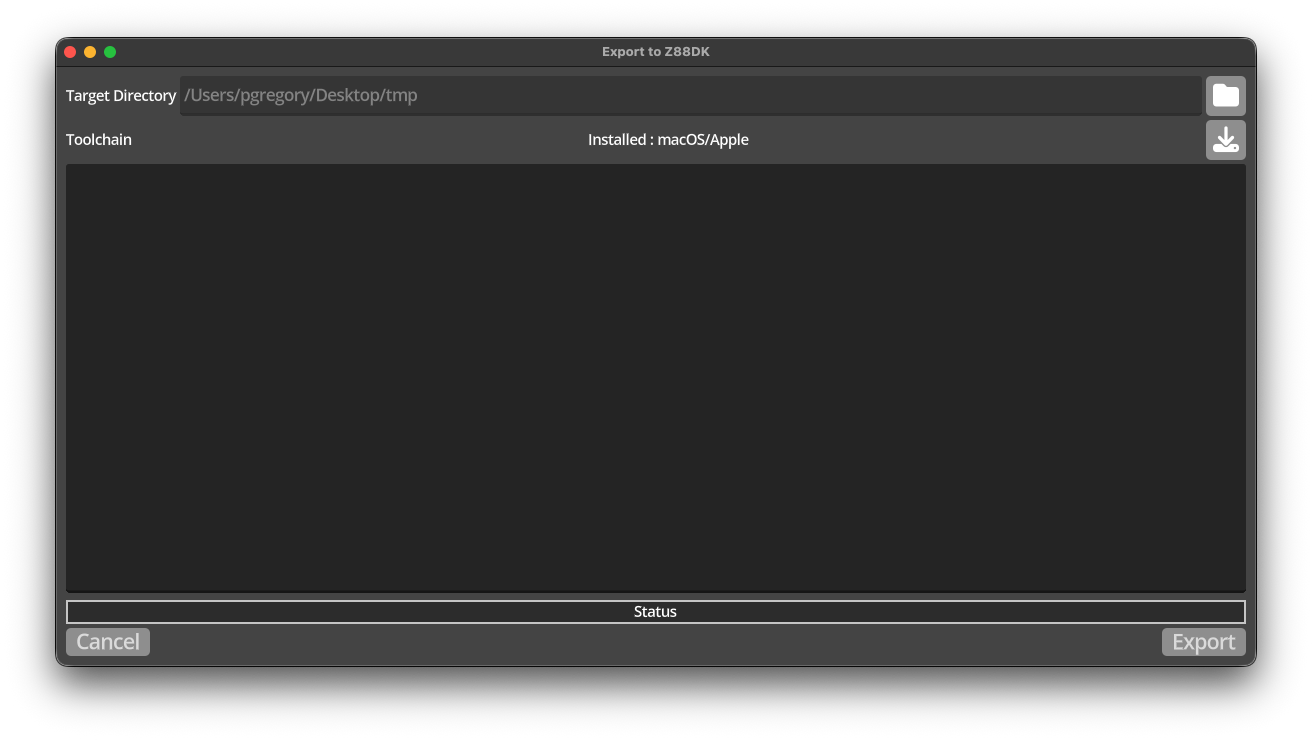
The only additional requirement is the build toolchain, this is delivered separately, it is based on a custom build of the z88dk compiler and is licensed under the same open source license as the z88dk project. Kwyll can download and install the appropriate version of the toolchain for you. The version downloaded is significantly cut down from the installation of the z88dk project itself, including only what is necessary to build a Kwyll game. To install the toolchain, open the 'Export' dialog by selecting the export button in the toolbar, or the 'Export-->Export Game' menu option. The first time you do this, the dialog will indicate that no toolchain is found, as shown below.
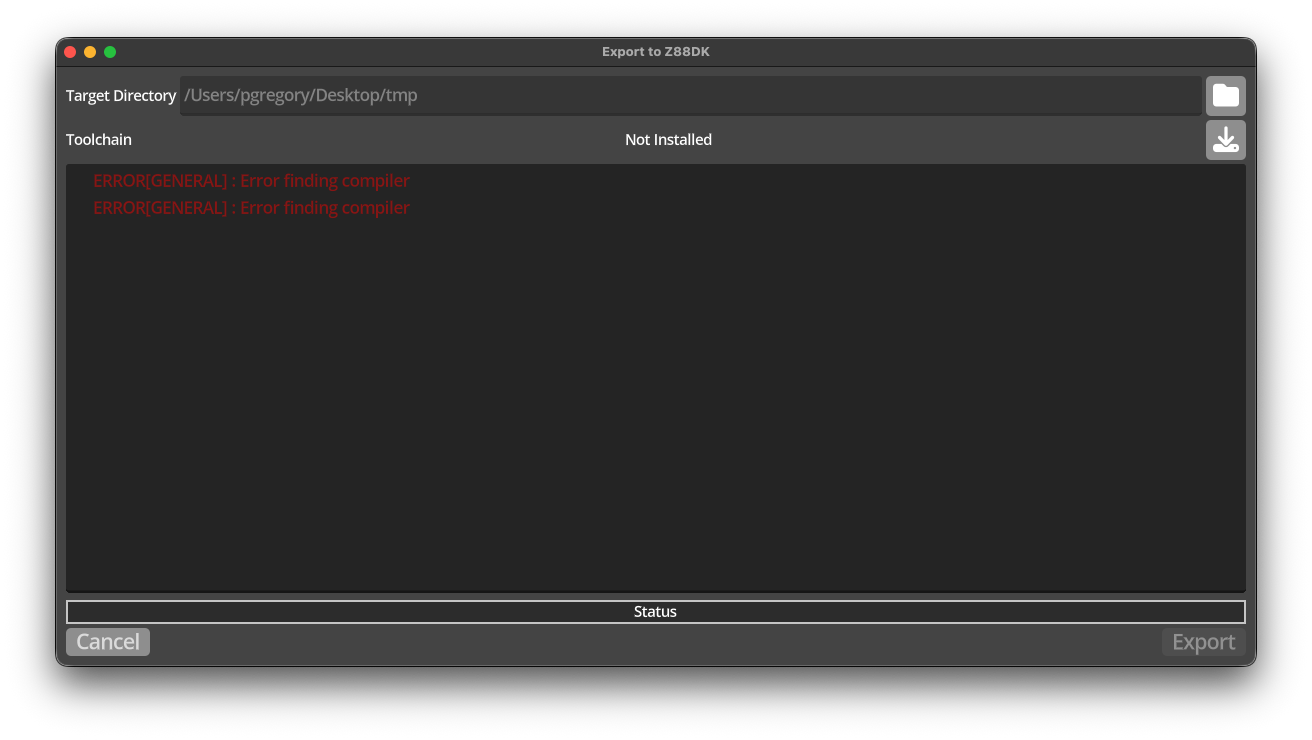
If you select the download button to the right of the Toolchain row,
 Kwyll will display the system it thinks you are running on.
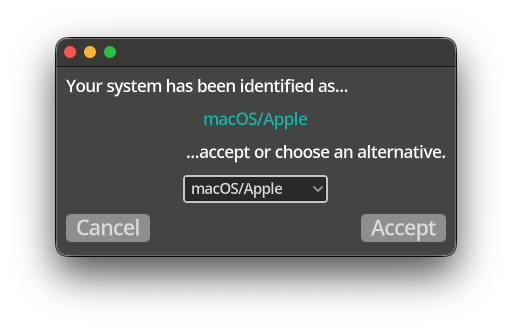
If the identification is correct, simply accept the choice, or alternatively select the correct system from the dropdown to override the identification.
Once accepted, Kwyll will download the correct toolchain and install it into the application folder for Kwyll, which differs by operating system.
- macOS
~/Library/Application Support/Godot/app_userdata/Kwyll- Windows
%APPDATA%\Godot\app_userdata\Godot\Kwyll- Linux
~/.local/share/godot/app_userdata/Kwyll
Once installed, the export dialog should change to show the succcessful installation of the toolchain, and allow you to export your Kwyll game.