Data Editor
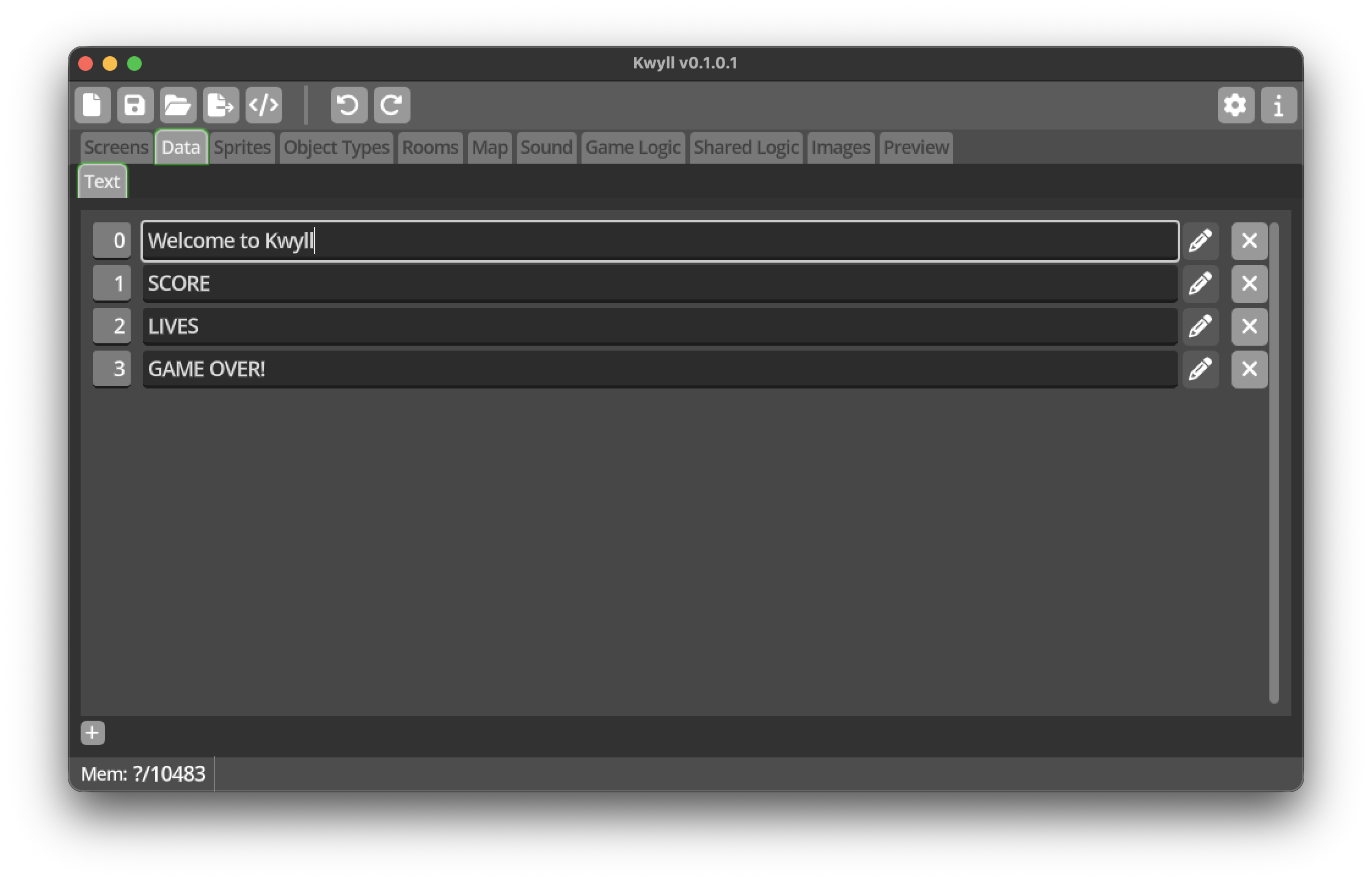
The Data Editor is where you can define text strings to be used in your game. The use of text strings is restricted to the Instruments on a screen. To the left of a each string in the list is a number, this is the number to assign to the Value of a text instrument to display this string, or to use in the Set Instrument Value node in logic.
The Data Editor is simple, in the toolbar below the list is a single button to create a new string. In the list, each string is represented by a row, with the first column being the index, used to display the string, the string contents follow, and a button to delete the string.
Note
The edit button is currently not operational, reserved for future functionality.