Logic Editor
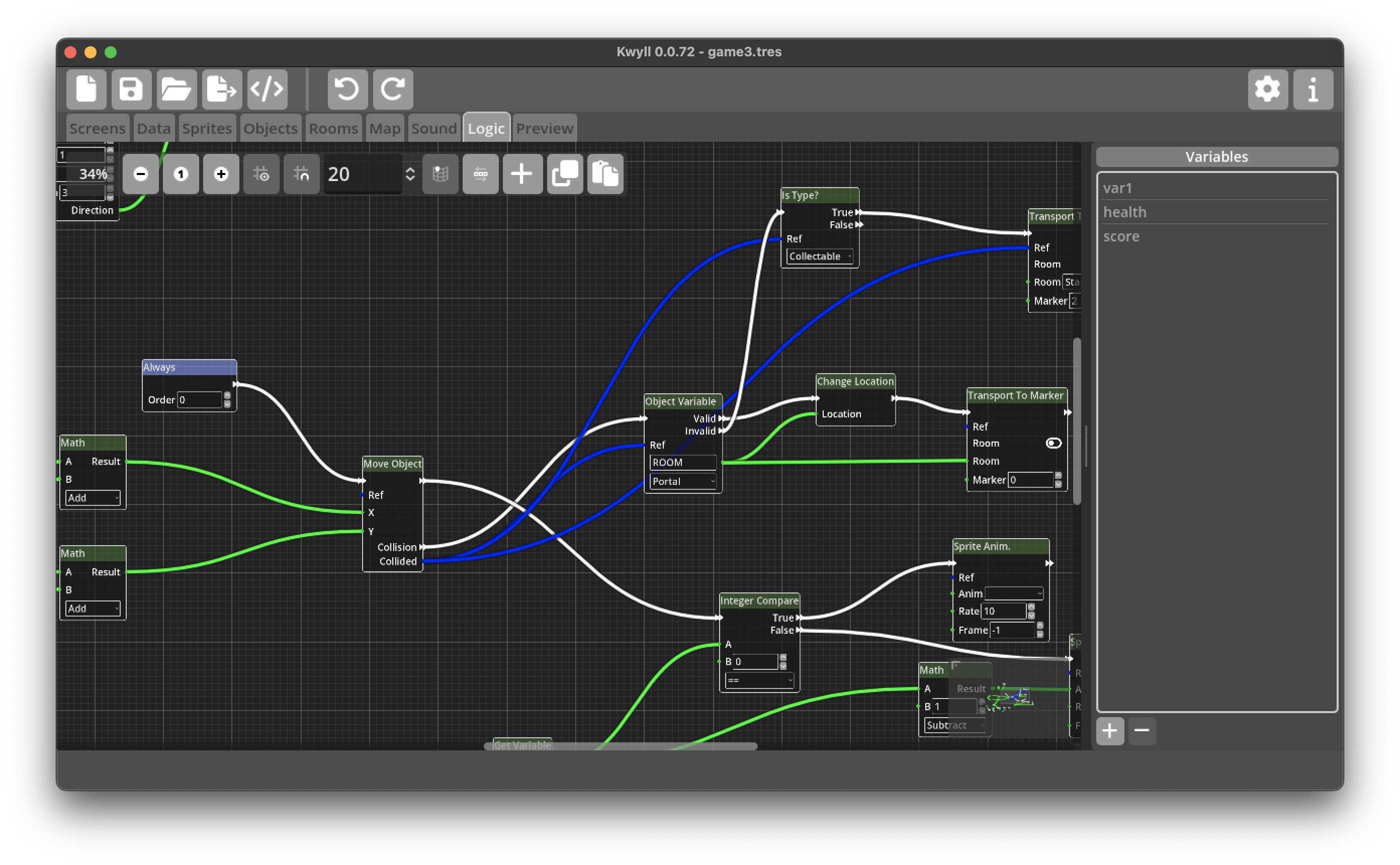
Editing Nodes
Nodes are created by right clicking the mouse in an empty area of the grid or pressing Shift+A, a pop-up menu will appear with a list of all the possible Node types as a tree organised by category. The popup has, in addition to the list of nodes, a text entry field that will be focused by default, typing in here will filter the nodes list to only those that contain the typed text, this is a very efficient way to find the exact node you're looking for. As you type in the search field, the list will instantly adapt to show only the matching nodes, and the first in the list will be selected. You can add the selected node by pressing return, or use the Up and Down arrow keys to move among the nodes that match the search term to select before pressing return. As you become familiar with the available nodes, this will be the most efficient way to add nodes to the logic graph. Initially it may be better to use the mouse to scroll through the list and click on the node you require directly. Below the list of nodes is a small text field that will change to show a short description of the currently selected node.
When a node is added to the graph, it will appear at the current mouse position.
Click and drag on Nodes to move them around the graph and organise your program. You can Ctrl/Cmd click on multiple Nodes to select more than one at a time, or click and drag in space on the grid to drag a rectangle around a selection of Nodes.
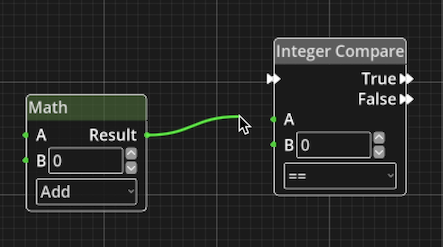 To connect Ports
left click on one of the two Ports and drag, a wire will appear connected to
the Port you clicked on and the mouse. Drag the mouse to the other Port and
when you get close enough, it will snap to the Port, release the mouse to
complete the connection. If you struggle to begin the connection operation
because the port is too small, it can sometimes be helpful to zoom in, this can
be achieved using the mouse wheel or pinch gesture. Ports can be connected in
either direction, it makes no difference to the way they work, data only flows
from output to input.
To connect Ports
left click on one of the two Ports and drag, a wire will appear connected to
the Port you clicked on and the mouse. Drag the mouse to the other Port and
when you get close enough, it will snap to the Port, release the mouse to
complete the connection. If you struggle to begin the connection operation
because the port is too small, it can sometimes be helpful to zoom in, this can
be achieved using the mouse wheel or pinch gesture. Ports can be connected in
either direction, it makes no difference to the way they work, data only flows
from output to input.
To disconnect a port, click on the input end of the wire, the end going into the input port of a Node, drag it away from the port and it'll disconnect, you can reconnect to another port while still holding the mouse, or release the mouse with the wire disconnected to delete the wire altogether.