Map
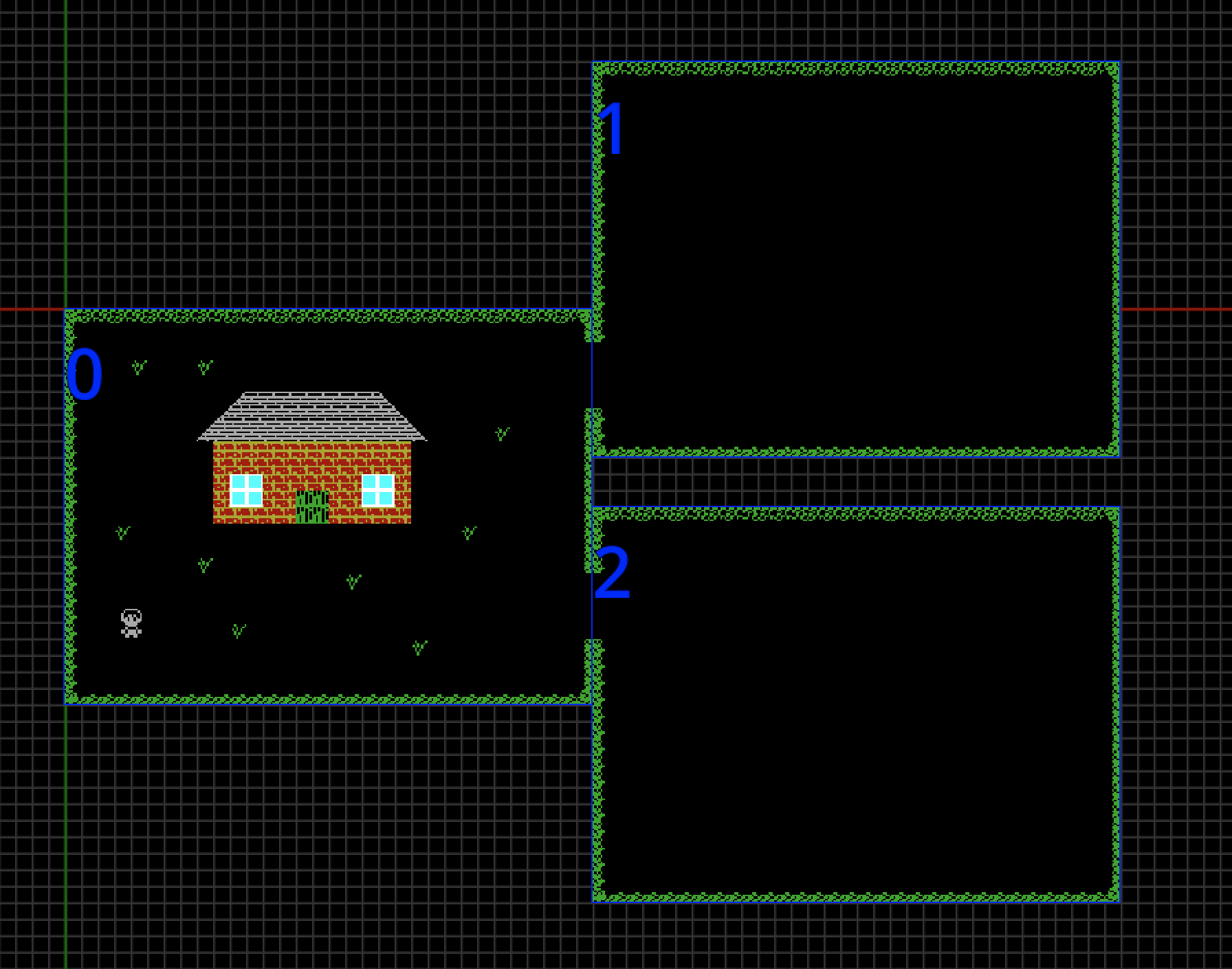
The Map is where you place Room Types and arrange them to create your game's map. In the Map Editor, you can drag Room Types from the asset list to drop them into place on the map, this creates a Location on the Map. How you arrange your locations on the Map depends on the type of game you're creating. In some games, the arrangement of locations on the Map is not important, the Kwyll logic can be used to move from location to location depending on other things, such as interaction with an object like a doorway. In other games, if a player exits the game window in one of the 4 possible directions, it is expected that they change to the location in that direction on the Map. This is facilitated by the Player flag on Object Instances. If an object has the Player flag set, when it exits the game window for any reason, Kwyll will check automatically if there is another location in that direction and move the game to that location. In this example, it's important that the locations are placed accurately so that they connect.
It's important to note that, while the locations must be connected carefully they do not have to perfectly align into a grid. As long as there is a location on the map at the place where the player exits one location and enters another it will work, for example, a staggered alignment such as below, will work fine.